WORKCORE SUPPLIES
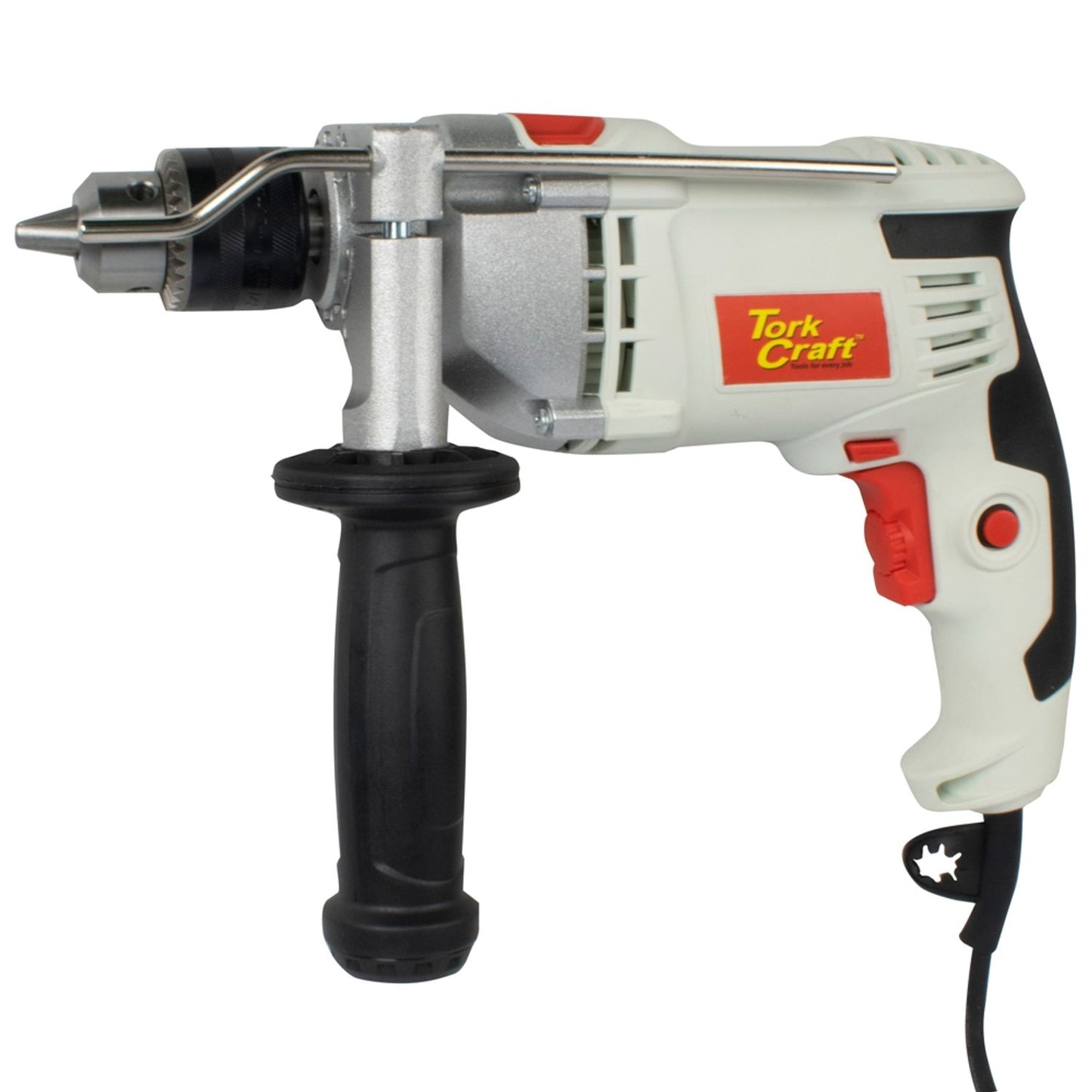
Impact Drill 850W 13mm 3000RPM 220V
Impact Drill 850W 13mm 3000RPM 220V
Couldn't load pickup availability
⚠️ Note: Products from different suppliers may have separate delivery charges. Fees are calculated at checkout.
Specifications
| Description | Specification |
|---|---|
| Wattage | 850W |
| Voltage | 220–240V (50Hz) |
| Max RPM | 0–3,000 |
| Max Impact Rate | 0–48,000 BPM |
| Max Chuck Capacity | 13mm (Keyed) |
| Drilling Capacity — Wood | 23mm |
| Drilling Capacity — Steel | 13mm |
| Drilling Capacity — Masonry | 13mm |
| Modes | Drill & Hammer |
| Tool Dimensions | 279(L) x 202(H) x 73mm(W) |
| Tool Weight | 2.37kg |
| Packaging Dimensions | 301(L) x 254(H) x 78mm(W) |
| Packaging Weight | 2.65kg |
| Material | Gearbox Housing: Aluminum; Body and handle: Plastic; Chuck: Full metal |
| Finish | Grey Plastic with Red and Black accents |
| Packaging Type | Color cardboard box |
Application
Drilling into various steel, plastic, wood and masonry using various drill bits and accessories.
Features
- Dual modes: Drill & Hammer for versatile use
- Variable speed control dial for precise control
- Trigger lock-on button for continuous operation
- Forward/reverse rotation selector
- 13mm keyed chuck with full metal construction
- Aluminium gearbox housing for durability
How to Use
Installing Accessory Bits
Use the provided chuck key to either lock/unlock. Turn the chuck anti-clockwise until the drill chuck opening is large enough to accept the accessory. Insert the accessory into the drill chuck. Turn the ring clockwise until the tool is clamped tightly. Use the chuck key to properly lock the chuck.
Installing the Auxiliary Handle
To mount the auxiliary handle, loosen the screw on the handle by turning the plastic part anti-clockwise. Mount the handle over the chuck collar till it is flush with the flat surface of the front of the drill. Turn the handle plastic part clockwise to clamp it in place.
Trigger Lock
To lock the trigger, depress the lock-in button situated at the side of the handle with one hand, while the other hand is depressing the trigger.
Rotation Setting
- Reverse: Push the lever to the right side of the drill.
- Forward: Release the on/off switch and push the lever to the left side of the tool.
Contents
- 1 x Impact Drill
- 1 x Chuck Key
- 1 x Depth Stop Rod
- 1 x Auxiliary Handle
Share